Scanner freezes completely on launch
Hi,
I'm experiencing a reproducible freeze when opening the card scanner. The app becomes fully unresponsive - no crash without the developer setting to force crash on no reaction and no error message. The only way to recover is to force-close the app via the recent apps switcher or App Info > Force Stop.
What I've already ruled out:
Cleared app cache and force-stopped/relaunched the app
Verified Camera and Files/Media permissions are granted ("Allow" / "Allow only while using the app")
"Show pop-up windows while running in background" special permissions (HyperOS-specific)
Set battery usage to "No restrictions"
Tested the stock camera app separately – works fine
Disabled MIUI Optimization in Developer Options and rebooted – no change
Set a default gallery/photos app – no change
Reproducible pattern: The scanner opens reliably only when I launch the app immediately after a full device reboot and go straight into the scanner. On any later attempt in the same session (no reboot in between), the scanner hangs on open every time.
Since there appears to be no logging exposed to me and rather the application not even realizing it hangs, I am at a loss on what troubleshooting I can provide further to reign the error in. Without message, pop-up, log I don't see myself finding a setting that influences the behavior.
I am not a power user so restarting is workable for me, but maybe there is something to ease the pain at least.
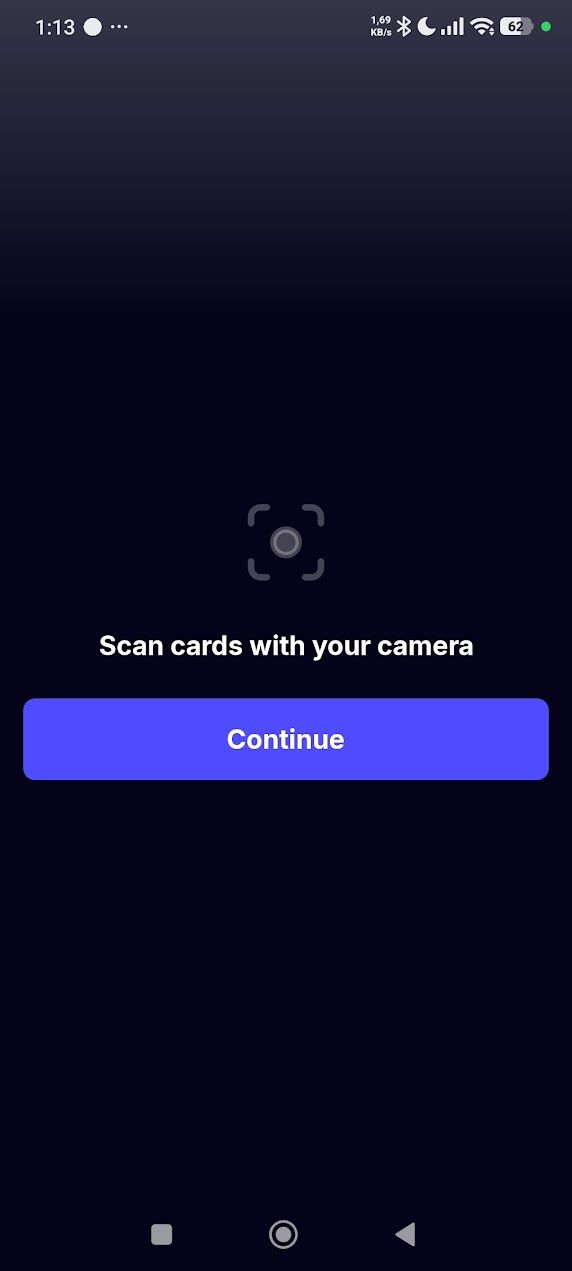
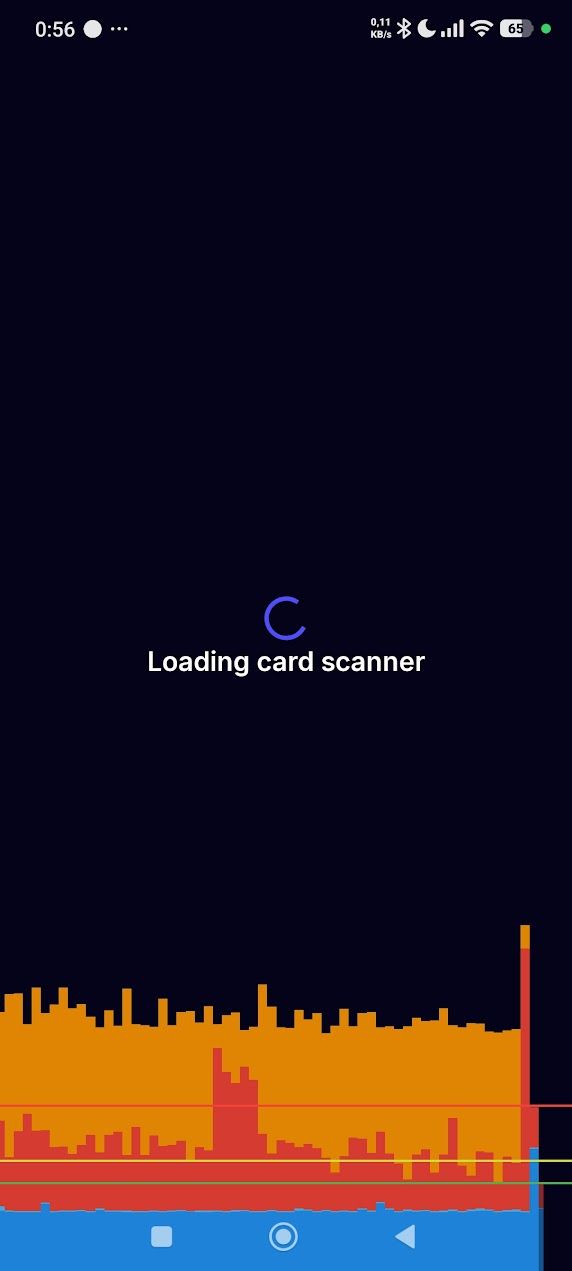
For completness sake, two pictures. One where the app hangs when no permisisons are granted. Both continue and the return button are nonreactive. The other where it hangs with permissions granted (and me messing with dev-options in hopes to find ANYthing). The return button is still not reacting. On the latter the animation works fine, until the app was minimized and restored once, then it also hangs.
Device info:
Phone model: Xiaomi Poco F5 (12GB RAM, Snapdragon 7 8 Core @ 2,91Ghz)
Android version: 15 AQ3A.250226.002
HyperOS version: 3.0.4.0.VMREUXM
CardNexus app version: 0.9.44
Installed via Play Store
Log in to comment and vote
Comments7
Magnus
Aug 13
Hi @makkura, thank a lot for your very thorough description of the issue.
The other day another user had an identical issue to you, even also using Poco F5. We managed to fix it in the following way:
Please uninstall the app, and then install this .apk. https://www.dropbox.com/scl/fi/o3sddcn00fjykq2rz96ol/app-release.apk?rlkey=xl3yxvns8di1zzd5cfeahohce&dl=0 If this does not fix it for you, do let me know
(I’m working on making a clean fix of that the above version includes to ship to Play Store soon; till then it’d be great if you’d try above version and confirm it works)
Next, if you have the time and are a bit technical (as you seem to be), I would love it if you don’t mind to connect your phone to a computer, then run adb logcat or specific command below and then open the cardnexus app and try to open the scanner. Then send me the logs.
adb logcat -c; adb logcat -v threadtime | grep -Ei 'com.cn.app|cardscanner|executorch|rncardscanner|fatal signal|fatal exception|androidruntime'
It is possible that the issue that fixed it for the user that also saw the “Loading card scanner” infinite is slightly different than yours. I’m committed to try and fixing it, we’re aware that maybe around 1% of Android users have a scanner that acts super weird.
If you don’t mind, feel free to join us on Discord and write to me (Magnus | CardNexus on Discord), might make the communication go a bit faster
Thanks!
makkura
Aug 13
Thanks for the reply.
I tried to collect the logs, but I think something may have already fixed it.
The good news is, the APK didn’t halt. However, it was somewhat erratic in its behavior. At times, the scanner would close immediately after opening. Then, when I started the logger to capture what was happening, it would suddenly work, but fail to actually scan any cards. At other times, it would close with a message like “cannot process images” (or something similar).
Because of this inconsistency, I wanted to start from scratch and collect more organized logs with defined steps. However, I noticed that the Play Store version is now 0.9.45, and with this version my issues appear to be gone.
This version now asks for camera permission on first start as expected and then just continues to work. Notably, unlike both the APK and 0.9.44, I can now see a loop of
RnCardScannercalls in the log.I have attached the three log files in case they are useful for you. At the moment, though, the issue appears to be resolved on my side by merit of updating to 0.9.45.
Also, I’m sorry, but I would prefer not to join Discord. I’m one of the few people who thinks that not all communication should be centralized on a single service, where one false-positive ban can potentially cut you off from multiple services and their support and I rather not normalize that by partaking.
Nontheless, thanks again for looking into this!
0.9.44.txt
63.1 KB• Text
download(0.9.4)_afterinstall.txt
257.7 KB• Text
download(0.9.4)_working.txt
100.6 KB• Text
If there is a particular process you wanted logged still I could reinstall the apk again. I just didn’t want to add another messy log of 500kb of me trying to force a crash that might already be solved.
Magnus
Aug 13
Hi again
No worries about Discord, here is perfectly fine.
Again thanks for your thorough information.
Glad to hear it’s working. Do I understand it correctly that now the 0.9.45 from Play Store has a functioning scanner for you? It scans cards just fine for you?
What’s funny is that 0.9.45 and 0.9.44 from Play Store does not have any code changes in this area. My guess is that the bug is around some of the scanner model files inside the app somehow got corrupted or otherwise malformed, and when you clear cached etc they didn’t fully go away.
Is this the first time you tried to uninstall & install btw? If so that might explain it.
Anyway, I’ve already discovered a few places in the app where the scanner is not hardened enough defensively, ie if errors happen it doesn’t try well enough to repair itself.
So I’m working on a fix for that. If you don’t mind, I might get back to you in a day or two with an updated APK that has these fixes, if you have time would love your help to test that version just to verify things still work as intended.
Thanks again!
makkura
Aug 14
I want to say I reinstalled it once, but I couldn't swear to it - I've been fiddling with it since the 8th, mostly around midnight in bed, so I can't be fully sure. It certainly was my first update of the app.
Yes, after installing 0.9.45 from the Play Store it works completely fine. When starting the scanner it opened the "Scan cards with your camera [Continue]" screen, pressed Continue, it asked for camera permission, and I was able to scan a card without issue. Even force-closing and restarting the app afterward still works fine - no manual permission granting or disabling Xiaomi's energy saving.
I'm not Android-savvy enough to tell whether uninstalling normally sufficiently purges all leftover data. Without this dialog my reasoning would have been that either 0.9.45 fixed something itself, or that your apk initialized something during operation that 0.9.44 had failed to set up, which 0.9.45 is now able to successfully use.
I'm fine with looking at a new version if that helps. I know how troublesome hardware-diversity can be at times.
Magnus
Aug 14
Glad to hear it’s fully working! Any feedback on the scanner, do lmk.
In theory Android uninstall should purge all leftover data, but … sometime it’s just weird.
It’d be great if you could try to use this APK.
This version has built in stuff where that exact “Loading card scanner” hangs forever bug would be self-repaired.
If this APK works as intended, you’ll notice nothing new. The scanner just works. But it’s great for me to get another confirmation that this is the case, especially on a device that previously had the issue on older versions.
APK link: https://www.dropbox.com/scl/fi/rowtoqzxt1chihuux8n3p/app-release.apk?rlkey=dtl6kf860hnkdcsusyk16wx9o&dl=0
makkura
Aug 14
Uninstall → Reboot → APK Install (versioned 0.9.47)
Start → Login
Open scanner → Continue button
Permission question → Always when using app
Scanning 7 cards.
Jumping around in the app a bit.
Force closing and opening the app and restarting the scanner
Scanning 4 additional cards.
Force close, playing around for an hour, using other apps, starting app and scanner again
Seems good. Everything works as I would expect it to.
Magnus
Aug 14
Thanks a lot, rly appreciate it.
You can stay on this version of the app, probably it’ll be 1-2 weeks before 0.9.48 is out on Play Store, at which point you can update to that and be back on normal Play Store releases.